Home/Guides/Luma

CreatorStudio vs Luma

Access Luma models inside the full media workflow
Updated Aug 2026
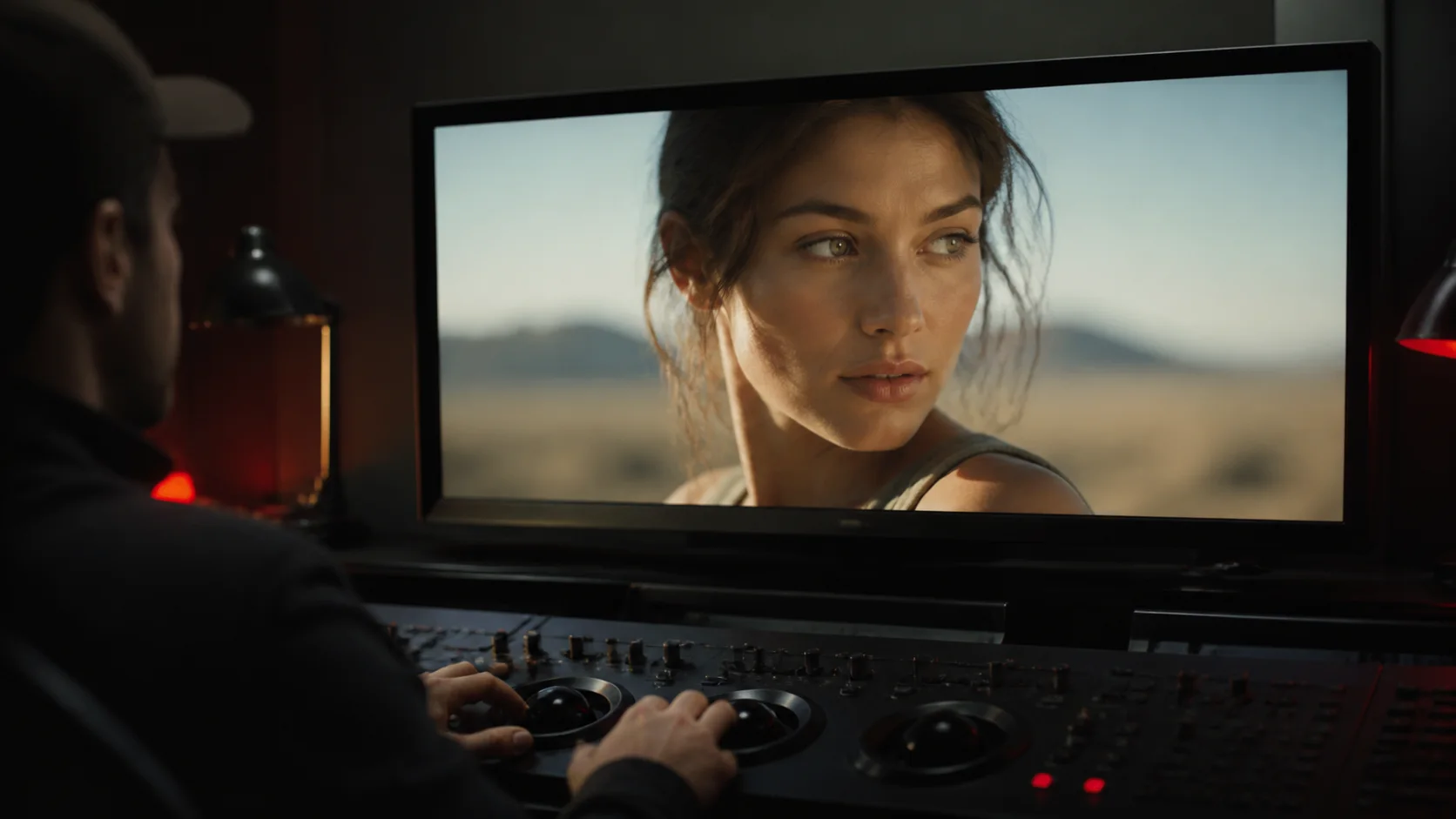
A cinematic generative video shot inside a creative production workspace

Choose by bottleneck

LumaUse Luma natively
Best at

Strong cinematic generation with Luma's Ray models and an agentic creative app

CreatorStudioUse Luma in CreatorStudio
Best at

Access to Luma and other leading models inside one production system

A visual workflow in Luma
LumaLuma's native creative app
A complete media production workflow in CreatorStudio
CreatorStudioLuma models inside the complete media operation

One workflow from brief to publish

Luma capabilities appear where marked

CreatorStudio.mediaThe complete production layer
01LumaBrief
02Script
03LumaStoryboard
04LumaCharacters
05LumaGenerate shots
06LumaVoice and SFX
07LumaEdit and assemble
08LumaRender
09Publish

Six decisions that matter

Winner shown per capability

01

Cinematic video generation

Luma

Ray models are a core strength

02

Script and story development

CreatorStudio

Brief, script and beats remain connected

03

Project continuity

CreatorStudio

Persistent story, character and brand context

04

Production routing

CreatorStudio

Routes on job, cost, speed and quality

05

BYOK and cost control

CreatorStudio

BYOK and provider routing on paid tiers

06

Publishing workflow

CreatorStudio

Production continues through distribution

Sourced Aug 2026 · official Luma model, app and pricing documentation

Price the production, not the plan

Plans as of Aug 2026

Use caseCreatorStudioLuma
Try it
$0Free
$30/moPlus
Publish weekly
$12/moPlus
$90/moPro
Scale output
$49 to $200/moPro
CustomEnterprise

Credits are not directly comparable. The real difference is how many other tools and handoffs your workflow still needs.

Choose by the job

Luma

Generation is the creative center

  • You want Ray inside Luma's native app
  • An agentic canvas fits the way you create
  • High-end image and video generation drive the purchase
CreatorStudio

Luma belongs inside the operation

  • Use Luma models without isolating the rest of production
  • Keep story and brand state across every output
  • Continue through publishing and reuse in the same system

Still deciding

Three useful answers

Is CreatorStudio a Luma alternative?

Yes. CreatorStudio.media gives you access to Luma models and other leading video models inside a complete recurring media workflow. You can use Luma for the generation work it does best without making a separate app the center of the whole production.

Does Luma support models beyond Ray?

Yes. Luma's current app documentation describes access to selected third-party models alongside its own Ray and UNI models.

Which is better for cinematic shots?

Luma is a compelling choice when cinematic generation is the primary job. CreatorStudio is the better fit when each shot must stay connected to a larger story, budget and publishing plan.

Make the next model decision in six questions

The Model Picker is free, ungated, and ready now.

Open the Model Picker