Club for passionate creators who use AI for media workflows and tell better stories
Choose the model
Build the prompt
Two free tools for the decisions that shape the shot
 Veo
Veo Seedance
Change the model without changing the workflow
Access 170+ models inside CreatorStudio.media and move from brief to generation, sound, editing, captions, and publishing in one production flow
Explore CreatorStudio.media ↗ Runway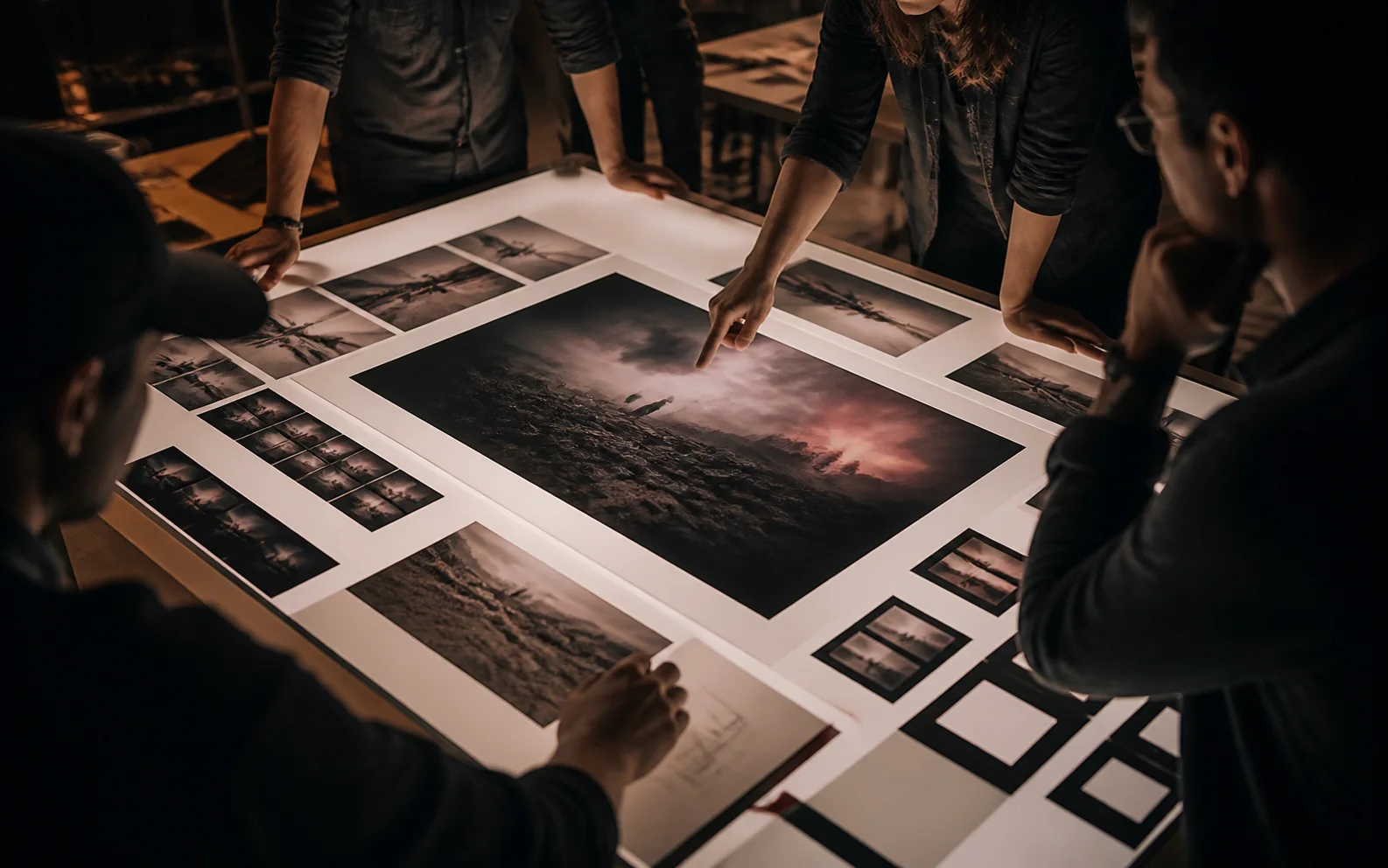
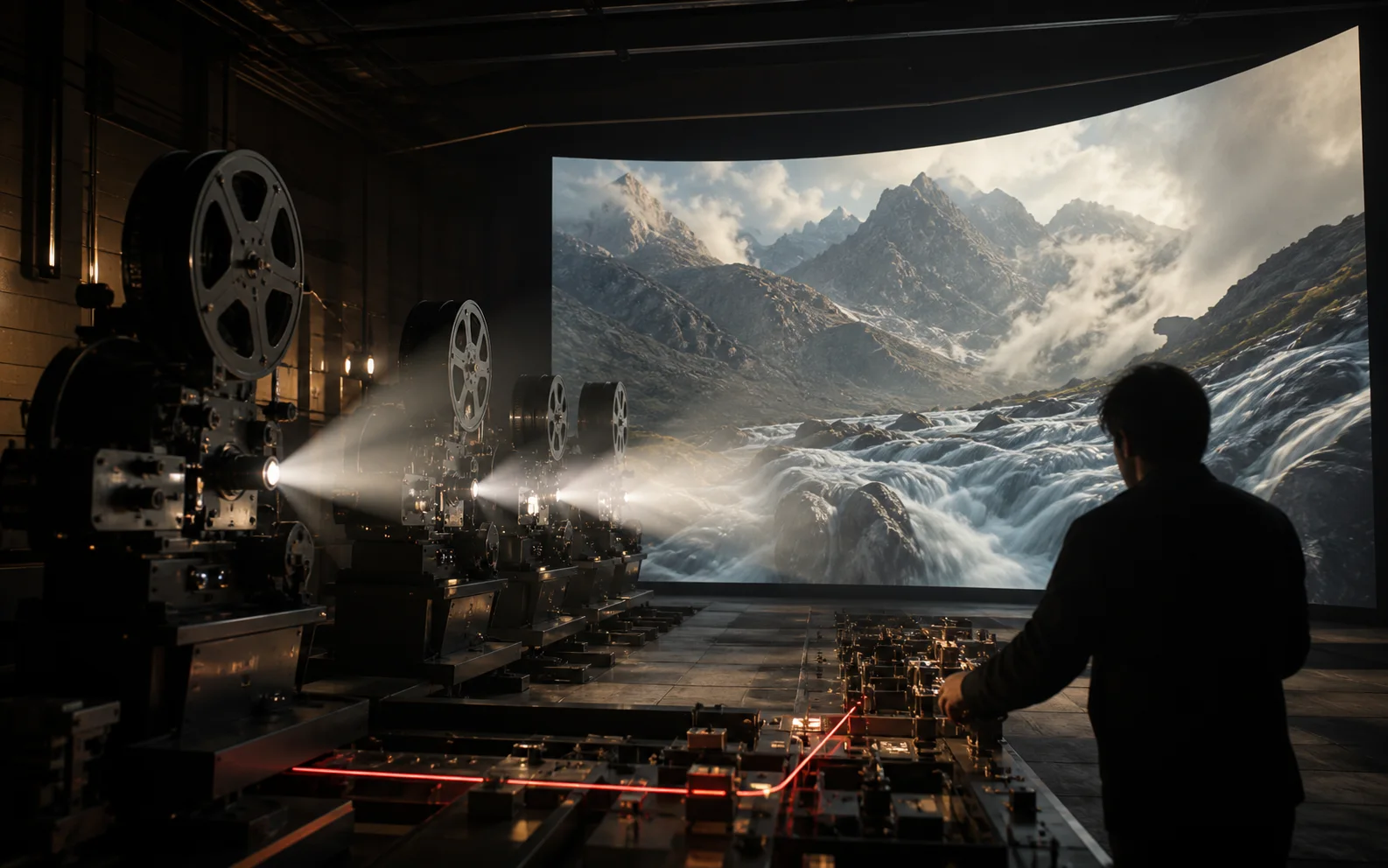
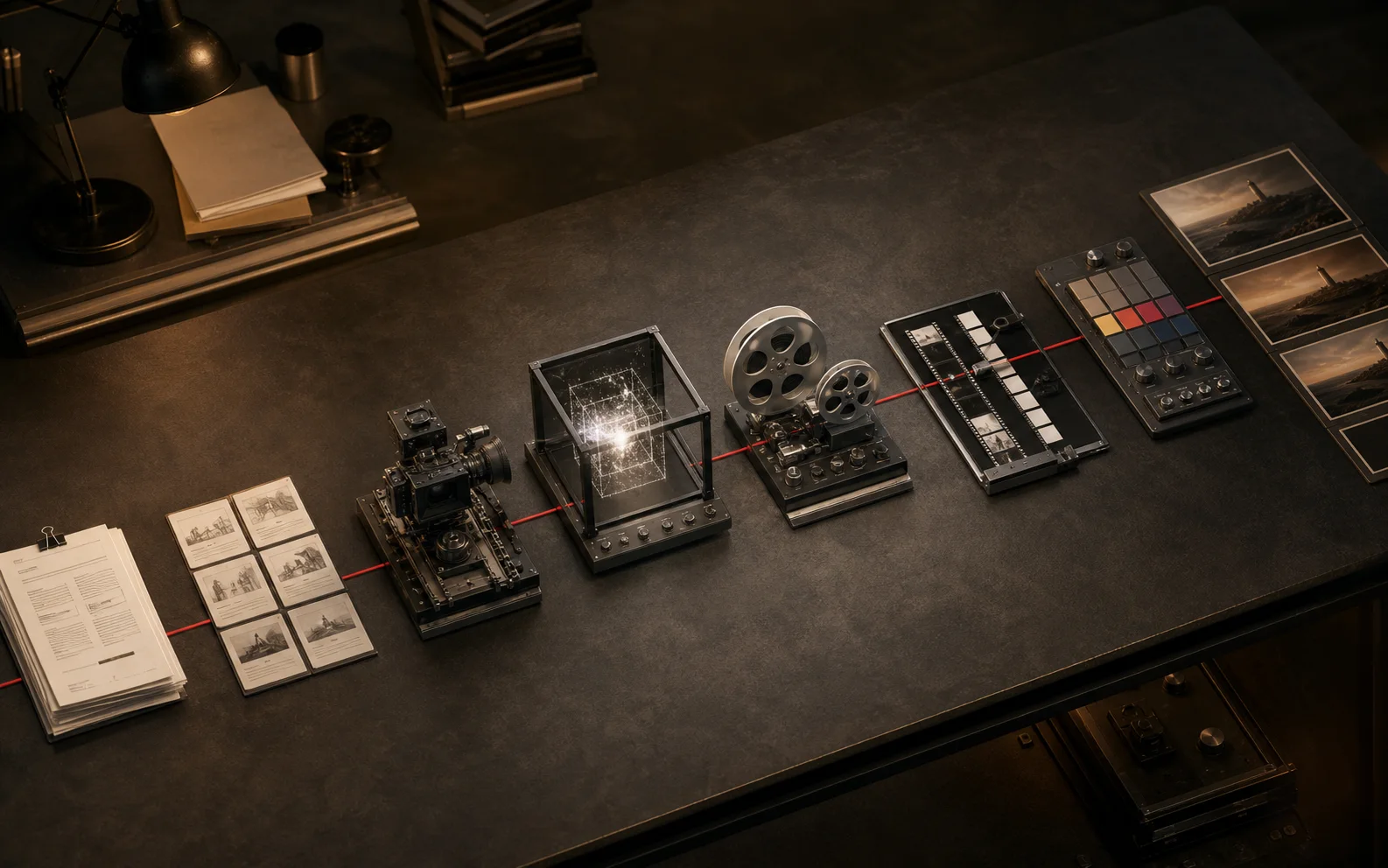
A practical AI video workflow from brief to publish
Lock the story and shot list before choosing models, generate by shot requirement, then budget equal attention for sound, assembly, review, and delivery.
8 min read →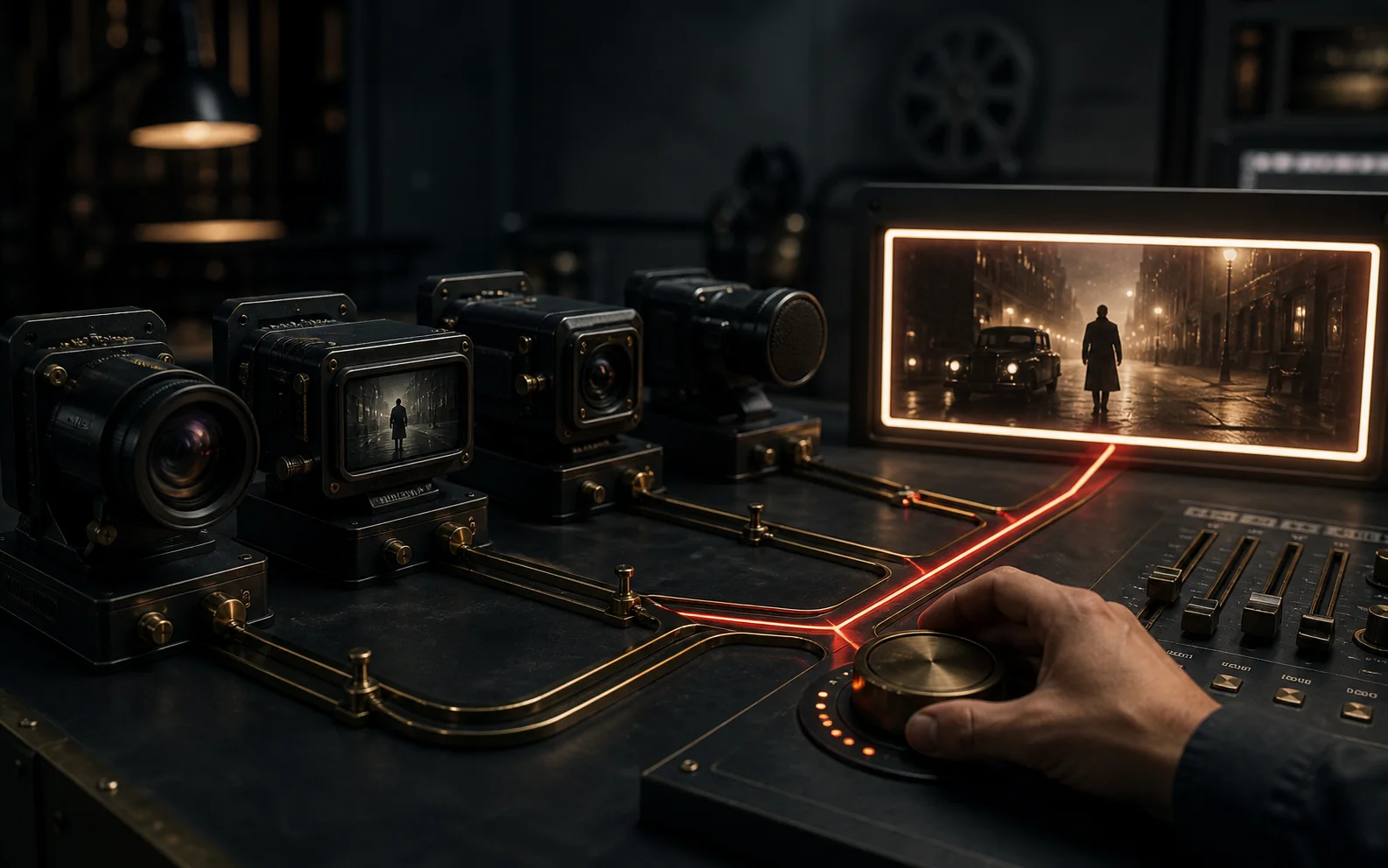
How to choose an AI video model for the shot
Choose by the shot's hardest constraint, test the cheapest valid proof, and record the limitation you are accepting before production scales.
7 min read →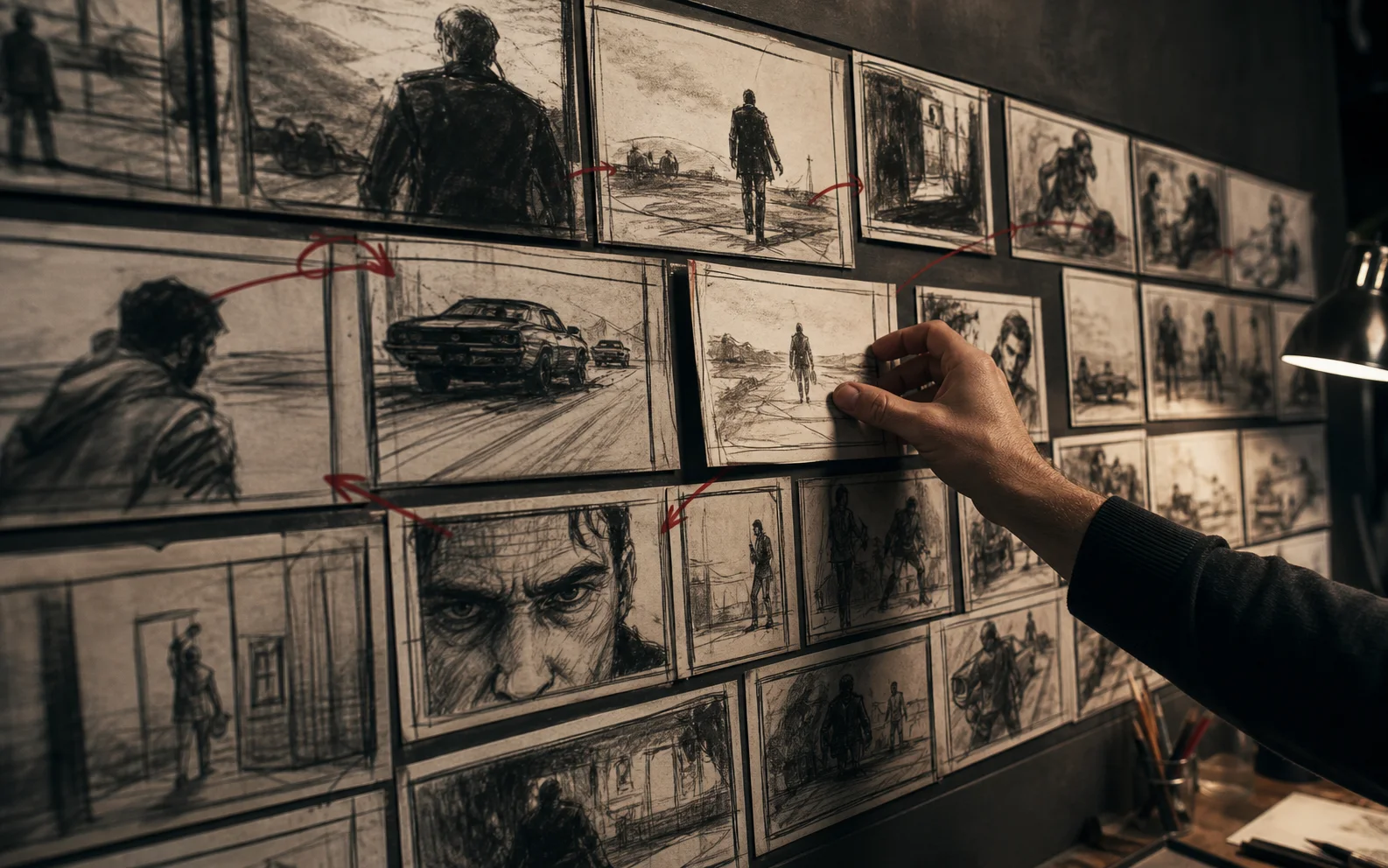
How to storyboard an AI video before generating shots
Storyboard the information flow, camera logic, continuity anchors, and edit transitions first; generate polished frames only after the sequence works in rough form.
6 min read →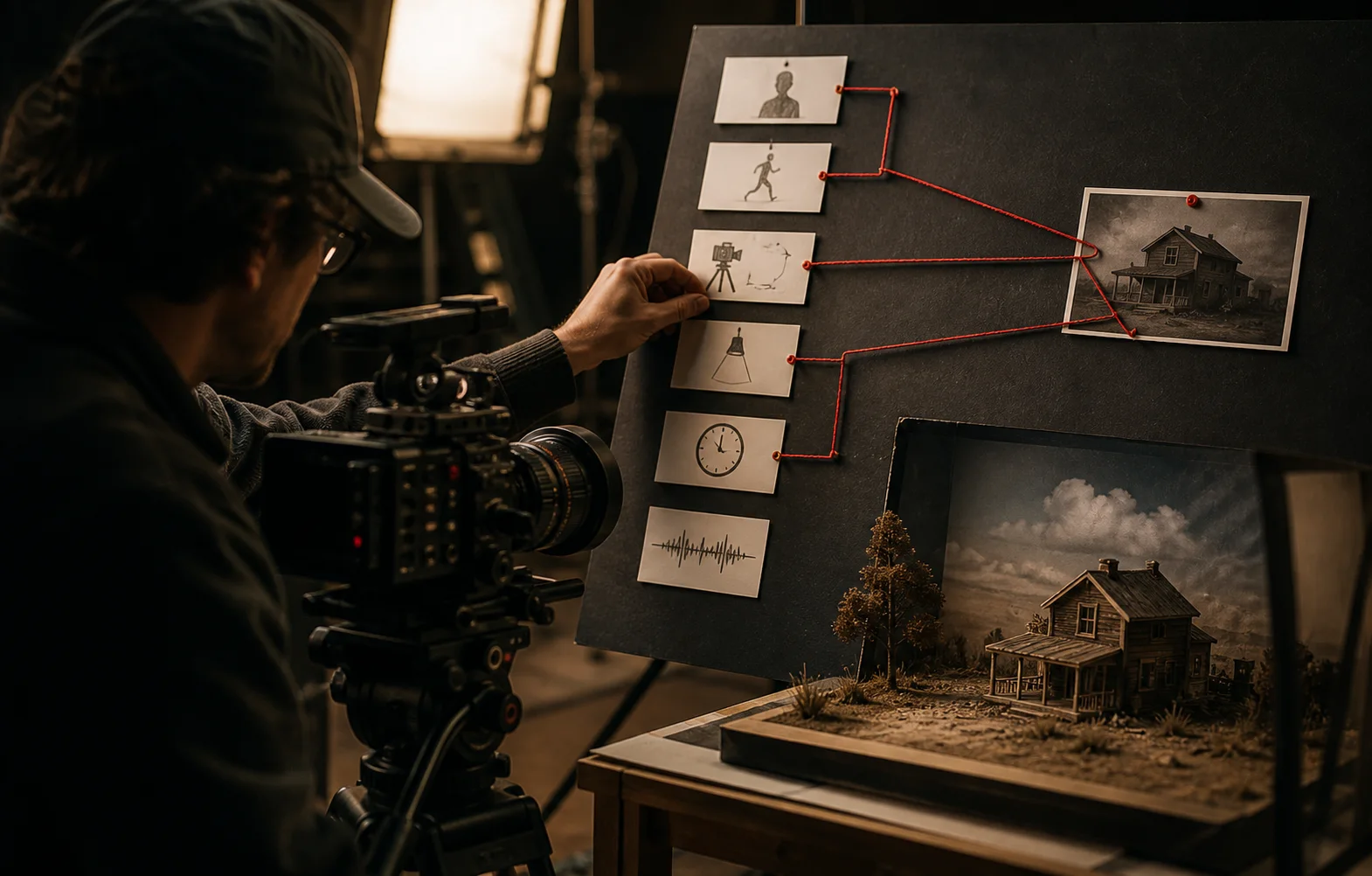
How to prompt AI video like a director
Build prompts from intent, visible anchors, action, camera, light, sound, timing, and references so every instruction has a production purpose.
8 min read →
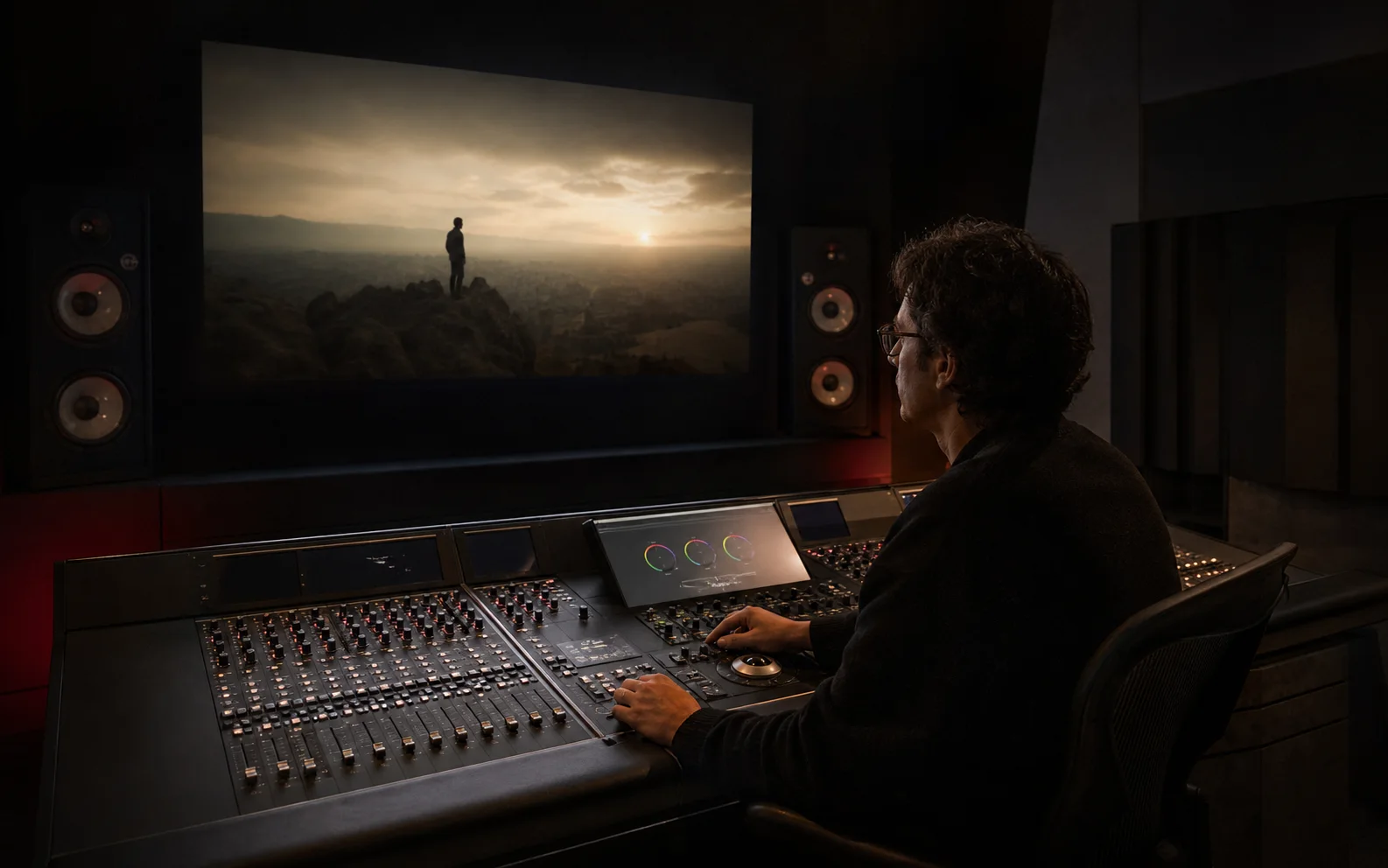
How to design sound for AI video
Plan dialogue, ambience, effects, music, and silence alongside the storyboard, then mix them around story priority rather than filling every second.
8 min read →
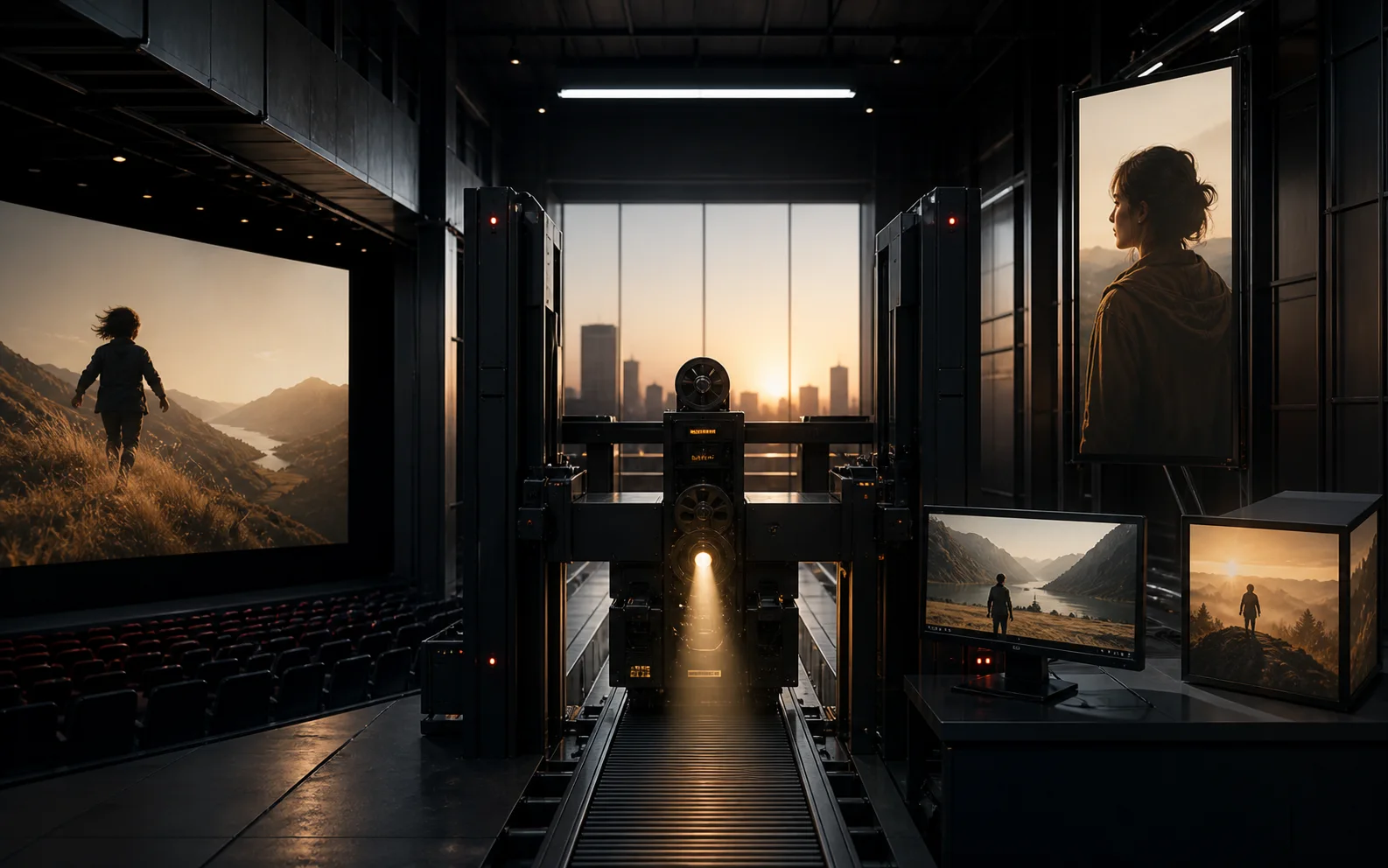
How to build AI video ad variants that teach you something
Hold the core claim steady, vary one persuasive element at a time, and connect every creative version to an audience, hypothesis, and measurable result.
7 min read →Make the next creative decision
Find the model, then leave with a prompt built for it