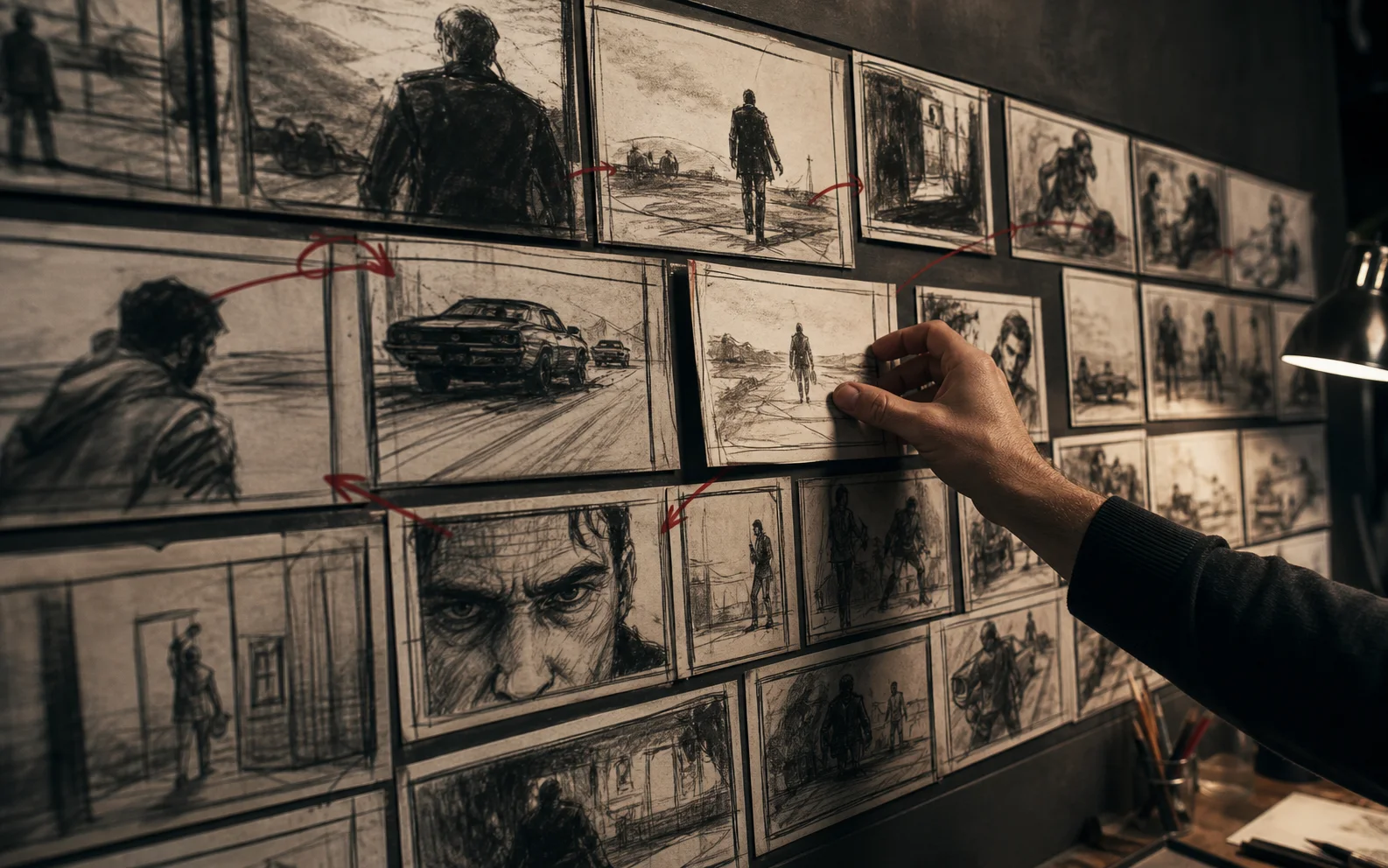
Storyboard the information flow, camera logic, continuity anchors, and edit transitions first; generate polished frames only after the sequence works in rough form.
Write beats before drawing frames
Define what changes for the viewer in each beat. A beat might introduce a problem, reveal a mechanism, establish proof, or deliver a payoff. If two adjacent beats do the same job, combine them.
Read the beats aloud without images. The logic should survive before visual treatment begins.
Give every shot a purpose
Under each frame, write why the shot exists. Useful purposes include establishing place, revealing information, demonstrating action, showing reaction, creating transition, or resetting attention.
If the purpose cannot be named, the shot is probably decoration.
Record production requirements
Each storyboard frame should carry:
- Intended duration
- Subject and action
- Framing and camera movement
- Source or reference assets
- Dialogue, voice, ambience, or effect
- Continuity anchors
- Entry and exit transition
- Primary generation risk
These notes let model selection follow the shot instead of forcing every shot through one workflow.
Use rough frames first
Boxes, screenshots, stock references, and rough generated stills are enough to test sequence logic. High-fidelity frames create attachment before the edit structure has earned it.
Build an animatic with rough timing and temporary sound. Watch it at normal speed, then without audio. Both passes reveal missing information and redundant images.
Design continuity across the cut
Track screen direction, eyelines, lighting, wardrobe, props, and environment. Mark intentional changes. The storyboard should show where the viewer's attention moves from one shot to the next.
Use match cuts, motion carry, sound bridges, and visual echoes deliberately. These connections often make modest individual shots feel like one authored piece.
Mark shots by risk
Highlight shots involving exact products, recurring characters, complex hands, dialogue, readable text, or specific camera choreography. Prove the highest-risk frames before polishing easy transitions.
If a risk cannot be solved reliably, change the shot design while the storyboard is still cheap.
Convert frames into generation briefs
Translate each approved frame into a compact brief containing subject, environment, action, camera, lighting, continuity references, and exclusions. Keep story purpose visible beside the prompt so visual iteration does not drift away from the beat.
Use the AI Video Model Picker when shot requirements imply different model strengths.
Update the board from the edit
The storyboard is not sacred. When generated footage produces a better transition or exposes a missing beat, update the board and continuity ledger. The current board should describe the production that is being made, not preserve the first idea.
Questions creators ask
Does an AI video need a storyboard?
A storyboard is especially useful for AI video because it separates story and continuity decisions from model experimentation, reducing expensive generation loops.
How detailed should storyboard frames be?
Frames need enough detail to communicate composition, subject, action, camera, and continuity. They do not need final polish before the sequence is approved.
What should be written under each frame?
Record the beat, shot purpose, duration, camera, action, audio, continuity anchors, transition, and the main generation risk.
Built from production practice, primary product documentation, and repeatable workflow checks. Read our editorial standards.