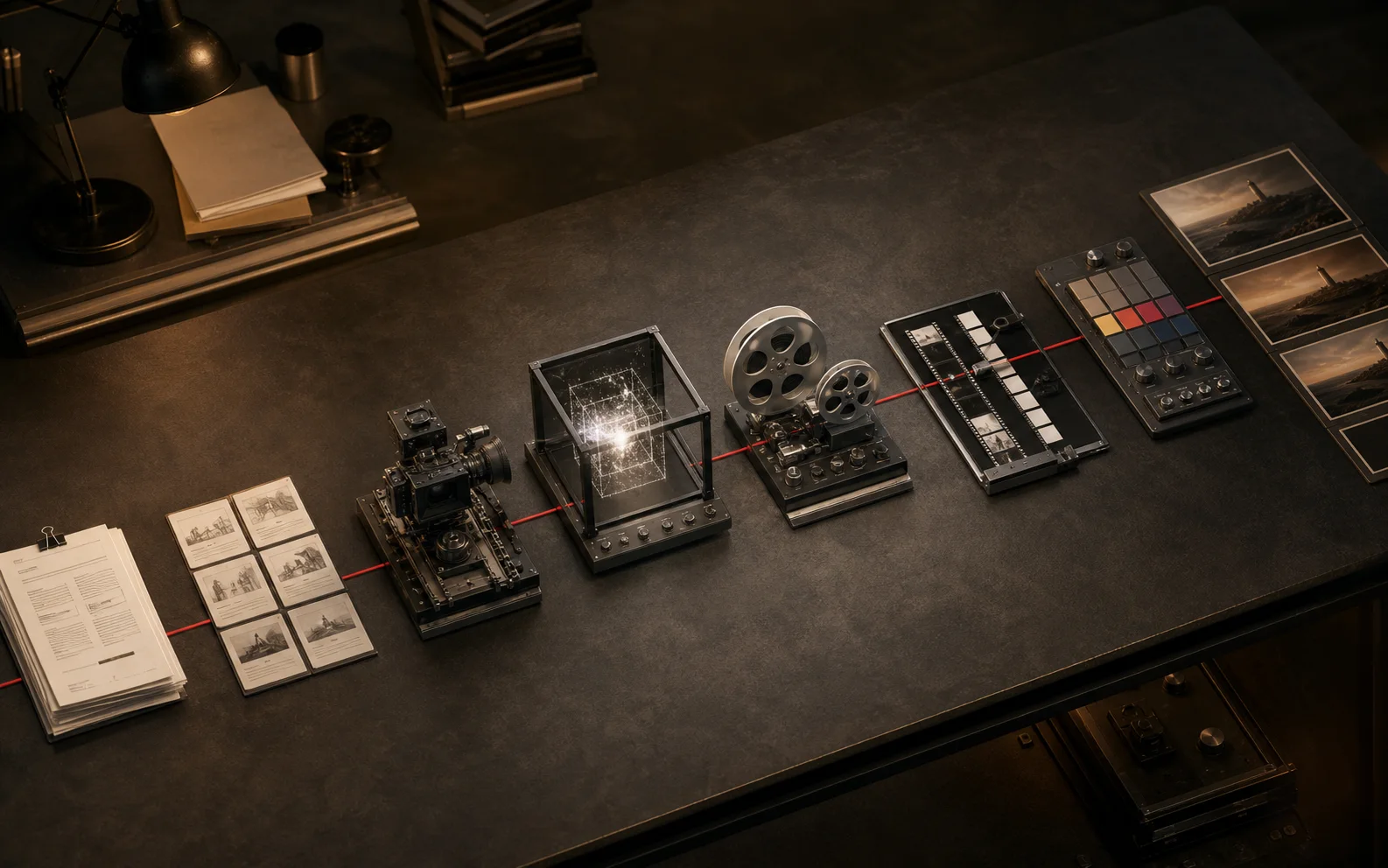
Lock the story and shot list before choosing models, generate by shot requirement, then budget equal attention for sound, assembly, review, and delivery.
Start with the decision the video must change
Write one sentence that says who the video is for, what they should understand, and what they should do next. This prevents a visually impressive sequence from becoming a collection of unrelated shots.
Use a brief with five fields:
- Audience and viewing context
- One message the viewer should retain
- Intended action after viewing
- Required duration and aspect ratio
- Non-negotiable brand or product details
If two stakeholders complete this brief differently, resolve that disagreement before generating anything.
Turn the message into beats
A beat is a change in information, emotion, or action. A useful short-form structure is hook, tension, proof, shift, and payoff. Longer work can use more beats, but every beat still needs a job.
Write each beat as a plain sentence before writing visual prompts. Then ask whether the story still works as audio only. If it does not, generation will not rescue it.
Build a shot list before choosing models
Describe the production requirement for every shot: subject, action, camera, duration, continuity, audio, and transition. Add a risk label for shots involving readable text, exact products, recurring characters, or complex physical interaction.
This list becomes the routing document. A dialogue shot, a product macro, and an atmospheric transition do not need the same model strengths. Use the AI Video Model Picker after the requirements are explicit.
Generate proof shots first
Do not begin at frame one. Generate the two or three shots carrying the most risk. A successful proof answers whether the character can stay recognizable, the product can remain accurate, and the motion style can survive across cuts.
For each proof shot, save:
- The prompt and negative constraints
- Reference assets and their order
- Model, version, duration, and aspect ratio
- Seed or reusable settings when available
- The reason the take was accepted or rejected
This record is more valuable than a folder of unnamed exports.
Create sound while pictures are still moving
Voice, music, ambience, and effects change edit rhythm. A cut that feels slow without sound may feel correct with a voice pause or impact. Build a temporary sound bed early, even if final assets come later.
Use silence deliberately. Continuous music and effects flatten emphasis. Reserve contrast for the moments that need attention.
Assemble before polishing every shot
Put usable drafts into a timeline as soon as possible. The assembly reveals duplicated ideas, missing transitions, weak pacing, and shots that look good alone but fail in sequence.
Judge the cut in this order:
- Can a new viewer follow the story?
- Does every shot earn its duration?
- Are continuity breaks distracting?
- Does sound direct attention correctly?
- Are product and brand details accurate?
Only then spend more credits polishing individual shots.
Review against criteria instead of taste
Feedback such as “make it pop” creates expensive loops. Ask reviewers to tag feedback as story, accuracy, continuity, pacing, sound, or delivery. Require every change request to identify the viewer problem it solves.
Keep one owner for the final decision. Consensus editing usually produces longer, less decisive work.
Deliver for the channel
Publishing is part of production. Reframe deliberately for each aspect ratio, check captions within safe areas, normalize audio, and inspect the first frame without autoplay. Export names should include project, version, format, and date.
After publishing, record retention, completion, clicks, and qualitative reactions alongside the creative choices. The next brief should begin with what the previous release taught you.
Questions creators ask
What is an AI video workflow?
An AI video workflow is the repeatable path from a creative brief to a finished, published video. It includes planning, model selection, shot generation, sound, editing, review, and delivery.
Should every shot use the same AI model?
No. Use the model that fits each shot unless continuity or a single native workflow matters more than model specialization.
Where do most AI video projects slow down?
Projects usually slow down when the team generates before locking the story, lacks clear approval criteria, or leaves sound and assembly until the end.
Built from production practice, primary product documentation, and repeatable workflow checks. Read our editorial standards.