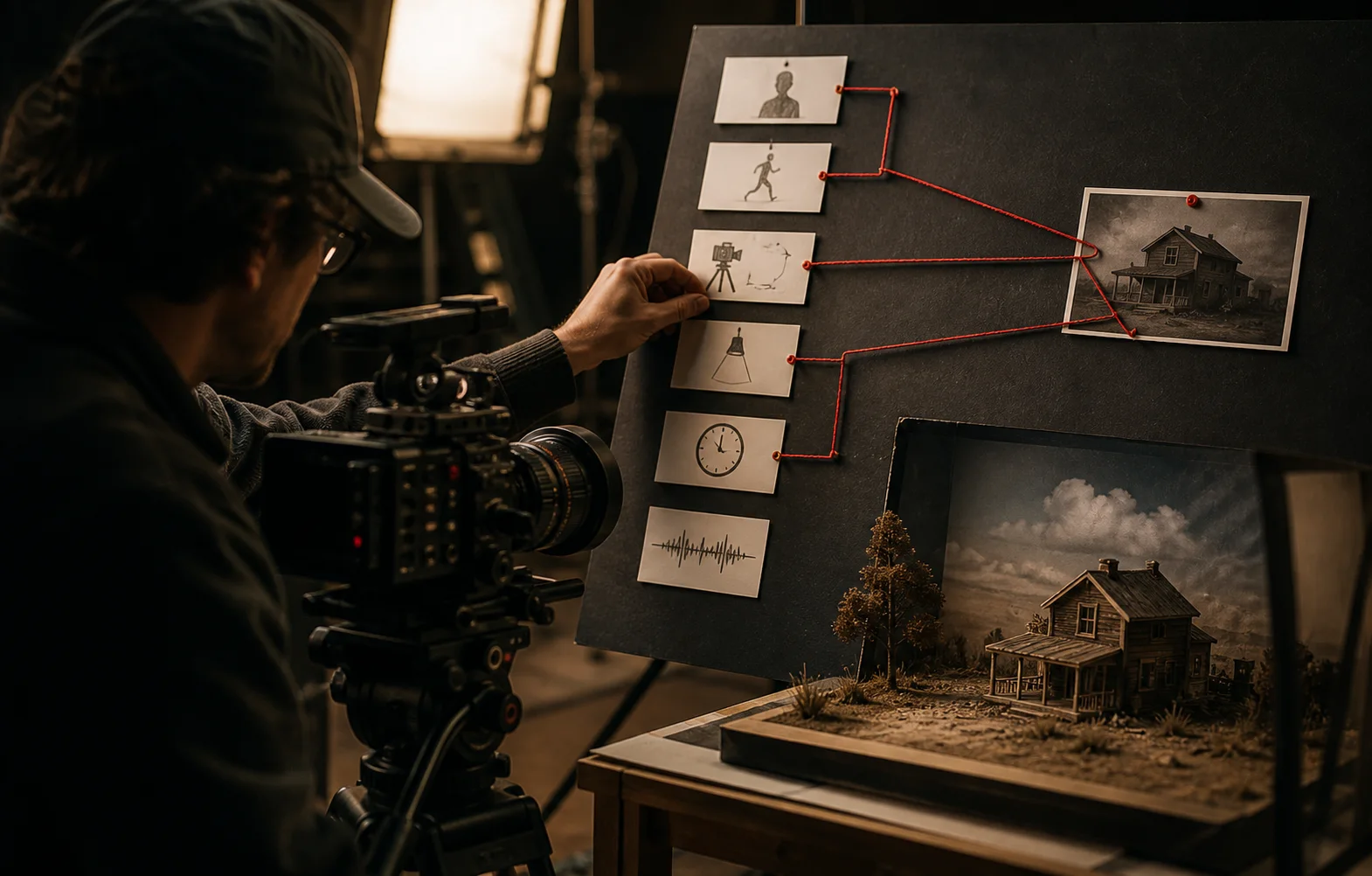
Build prompts from intent, visible anchors, action, camera, light, sound, timing, and references so every instruction has a production purpose.
Begin with the shot's purpose
Write one line explaining what the viewer needs to notice or feel. This prevents the prompt from becoming a collection of attractive details with no narrative job.
Choose the model after identifying the shot's hardest requirement. Reference control, human motion, dialogue, multi-shot timing, editing, and speed are different routing problems.
Establish visible anchors
Name the subject and the few details that must remain recognizable. Use concrete anchors such as silhouette, wardrobe, product shape, material, prop, or environmental landmark.
Avoid long adjective chains. Every extra descriptor creates another interpretation the model must reconcile.
Direct action through time
Describe what the subject does, how the environment responds, and what changes between the opening and closing frame. Prefer readable micro-actions over abstract emotion.
“She tightens her grip, glances toward the doorway, then steps backward as the light cuts out” gives the model observable events. “She looks anxious in a cinematic way” does not.
Give the camera one clear behavior
State framing, lens character when relevant, camera movement, and the relationship between camera and subject. Separate subject motion from camera motion.
Do not combine a locked camera, handheld energy, a crane move, and a rapid orbit unless the shot is deliberately designed around those changes.
Write light and sound as production direction
Name the motivated light source and the change it creates. “A hard refrigerator light spills onto her face when the door opens” is more actionable than “dramatic lighting.”
When the model supports audio, direct dialogue delivery, ambience, effects, spatial position, and the moment each sound enters. Otherwise keep an audio note for post-production.
Use references with explicit jobs
Tell the workflow what each reference controls: identity, product geometry, composition, motion, style, or rhythm. A reference without a role invites accidental imitation.
Use the Prompt Builder to assemble these decisions into a model-specific structure and keep reference tags consistent.
Test one uncertainty at a time
Start with the shortest generation that can prove the risky capability. Keep the prompt stable while testing a reference or model. Keep the model stable while testing camera direction.
Record what changed between attempts. Prompting improves when each generation answers a production question.
Questions creators ask
What makes an AI video prompt effective?
An effective prompt clearly directs subject, action, camera, environment, light, sound, timing, and any references required for identity or motion.
How long should an AI video prompt be?
Use only the detail needed to control the shot. A concise structured prompt is stronger than a long list of adjectives with conflicting instructions.
Should negative prompts be used?
Use them when the model supports them and when they prevent a specific known failure. Positive direction should still carry most of the prompt.
Built from production practice, primary product documentation, and repeatable workflow checks. Read our editorial standards.