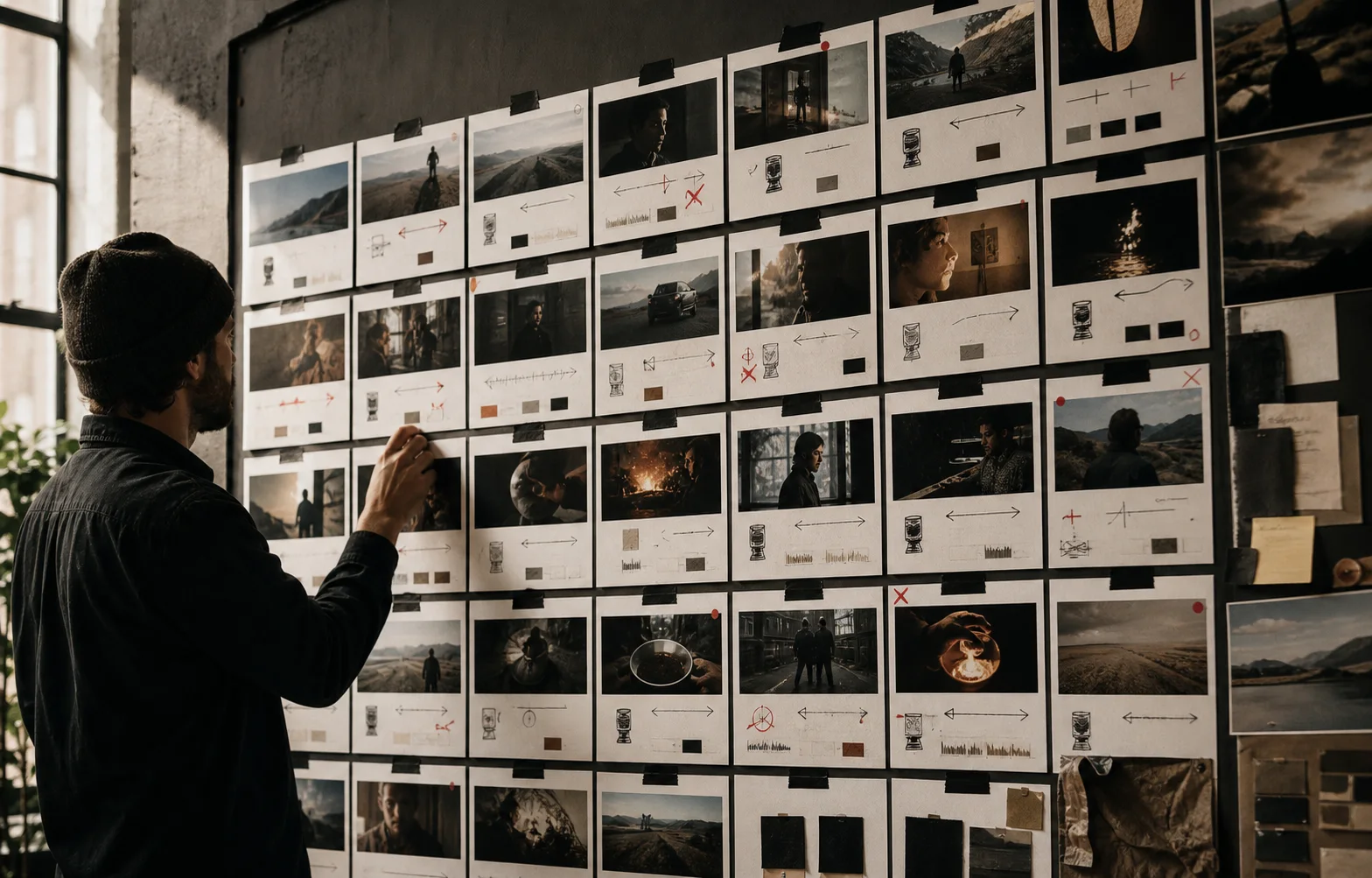
Give every shot a purpose, production requirement, risk score, continuity anchor, and edit point before selecting the model that should make it.
Give every shot a job
Write why each shot exists before describing how it looks. A shot may establish a place, introduce a character, demonstrate a mechanism, provide proof, create a transition, or deliver a payoff.
If the purpose cannot be named, the shot is probably decoration. Remove it or combine it with a shot carrying story information.
Record the production requirement
For every shot, capture:
- Intended duration and aspect ratio
- Subject, action, and environment
- Framing and camera movement
- Source images, video, or audio
- Dialogue, ambience, effects, or music
- Character and product continuity anchors
- Entry and exit transition
- Approval criteria
These fields turn a vague visual wish into a testable production task.
Score risk before spending
Mark identity, product accuracy, complex physical interaction, readable text, lip synchronization, and multi-shot continuity as explicit risks. Then classify the shot as critical, supporting, or replaceable.
Generate shots that are both critical and risky first. A failed proof may require a new angle, a simpler action, a different reference pack, or another model. That change is cheap before the rest of the sequence exists.
Design for the edit
Specify how the shot begins and ends. Look for stable frames, motivated movement, eyeline direction, screen direction, and action that can continue across a cut.
Plan inserts, reaction shots, cutaways, and environmental details. They create editorial flexibility and reduce the pressure on every generated shot to carry the full sequence.
Route by the hardest constraint
Choose models after the list is stable. A dialogue performance, an exact product macro, and an atmospheric transition reward different capabilities.
Use the AI Video Model Picker for an initial recommendation, then prove the choice with the smallest valid test. Record the accepted model, prompt, reference set, and settings beside the shot.
Track status without losing intent
Add a simple production state: planned, proving, generating, selected, needs repair, approved, or in edit. Keep rejected attempts linked when they reveal a recurring failure.
The shot list should remain the shared production record from brief through final delivery.
Questions creators ask
What fields belong in an AI video shot list?
Record shot purpose, duration, subject, action, framing, camera movement, references, audio, continuity anchors, transition, risk, and approval criteria.
Should shots be generated in story order?
Not usually. Prove the highest-risk and most story-critical shots first while the script can still change cheaply.
Can one project use several AI video models?
Yes. Route by shot requirement unless continuity or a unified native workflow is more important than specialization.
Built from production practice, primary product documentation, and repeatable workflow checks. Read our editorial standards.