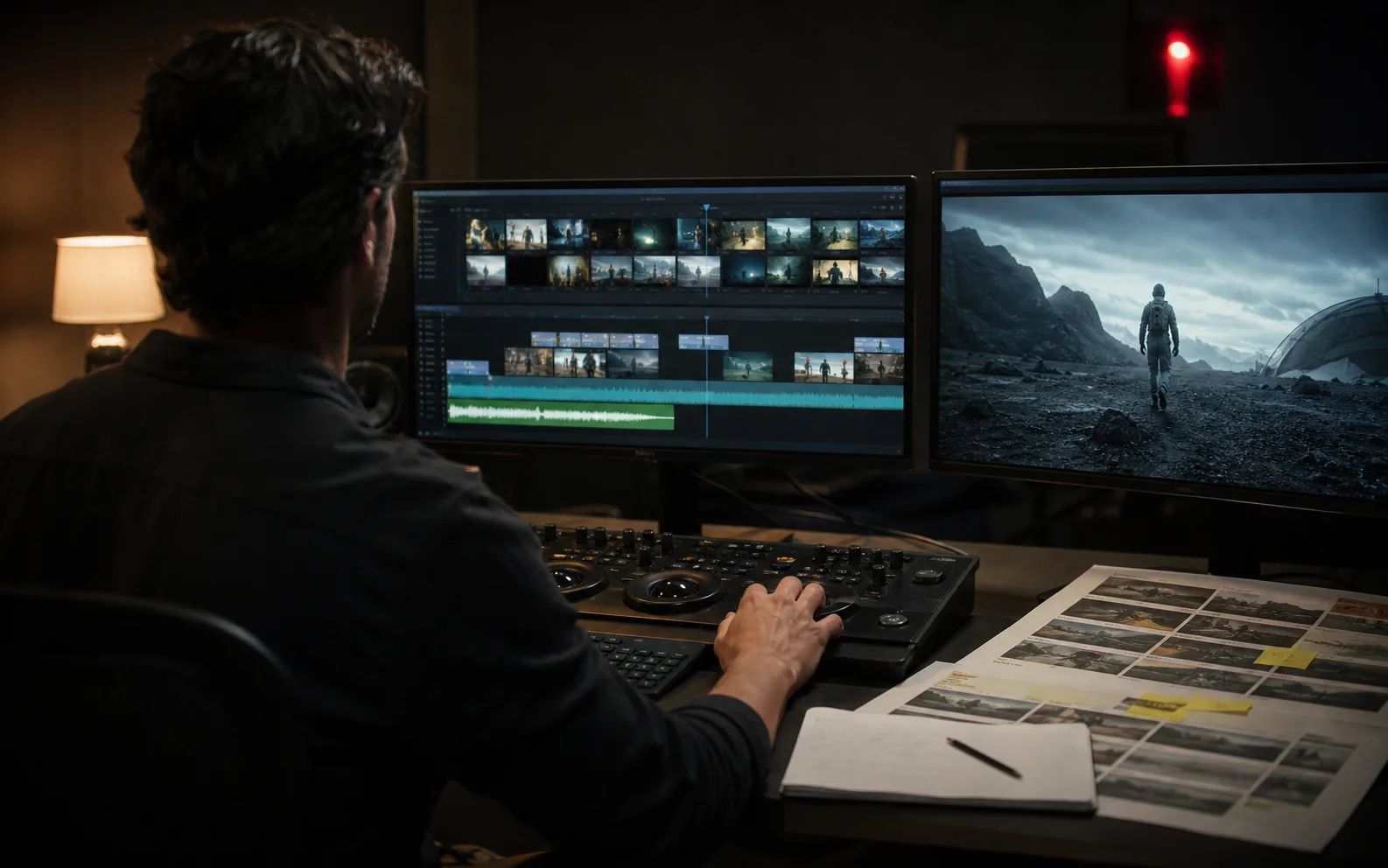
Select for story function and edit points, assemble the argument before polishing, repair continuity with coverage, and finish sound and captions together.
Select for the sequence
Do not choose a clip only because it is beautiful in isolation. Ask whether it performs the intended beat, preserves the required details, and provides a clean way into and out of the shot.
Keep a select reel with notes about usable ranges, continuity issues, audio potential, and repair requirements.
Build the argument before the polish
Make a rough assembly using the shortest version of every necessary beat. Watch for repeated information, slow setup, missing reactions, and payoffs that arrive without preparation.
The sequence should remain understandable before color, effects, transitions, and music are added.
Cut on visible change
Cut when information, action, composition, or emotion changes. Generated clips often contain attractive but inactive seconds at the beginning and end. Remove them unless the pause serves rhythm or tension.
Use action matches, eyelines, sound bridges, foreground movement, and motivated camera direction to connect shots.
Repair continuity with coverage
Identity or geometry drift becomes more visible when similar angles sit beside each other. Use inserts, environmental shots, silhouettes, over-the-shoulder frames, and reaction shots to create distance between difficult matches.
Shorten a problematic shot before adding heavy repair. Regenerate when the error changes what the viewer believes about the character, product, or event.
Finish sound and captions together
Sound can connect imperfect visual cuts and give generated motion believable weight. Build room tone, effects, dialogue, music, and intentional silence around the final pacing.
Place captions after dialogue timing is stable. Review line breaks, safe areas, contrast, reading speed, and whether captions cover visual evidence.
Create delivery versions from one master
Finish a clean master before adapting aspect ratios and durations. Then create platform versions with deliberate crops, revised hooks, caption positions, graphics, and loudness checks.
Watch every export from beginning to end. A correct timeline does not guarantee a correct file.
Questions creators ask
How should AI-generated clips be selected for editing?
Choose clips that perform their story function, preserve required identity or product detail, and provide usable beginnings and endings for a cut.
How can continuity errors be hidden in an AI video?
Use inserts, reaction shots, cutaways, silhouettes, motivated transitions, sound bridges, reframing, or a shorter duration instead of forcing a broken shot to remain visible.
When should a shot be regenerated instead of repaired?
Regenerate when the error affects the core message, identity, product truth, or action. Repair when the issue is peripheral and the edit can conceal it honestly.
Built from production practice, primary product documentation, and repeatable workflow checks. Read our editorial standards.